
Login
User can login to the application using the username/email and password specified during the user registration process.
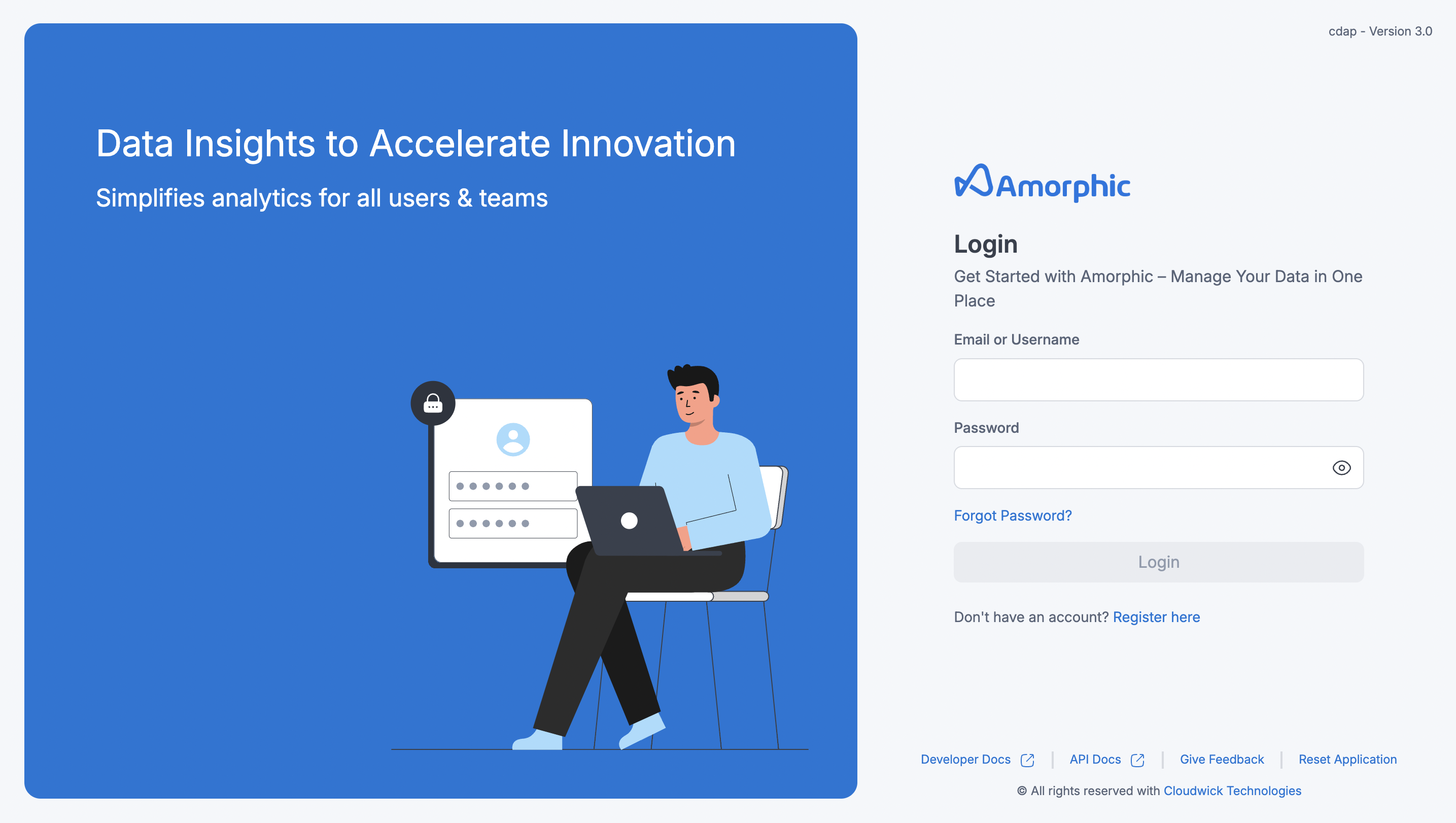
-
If the user is an existing user, they will be directed to the application homepage immediately after logging in.
-
If the user is newly registered, they must first accept the Terms and Conditions of the Amorphic application. Access to the application is granted only after agreeing to these terms. Once accepted, the user will receive credentials for connecting to the Data Warehouse (e.g., Redshift, Aurora MySQL). It is important to save these credentials, but if lost, the user can reset their DWH (Data Warehouse) password anytime using the 'Reset Password''Reset Password' button in the Reset DWH Password popup on the Settings Page.
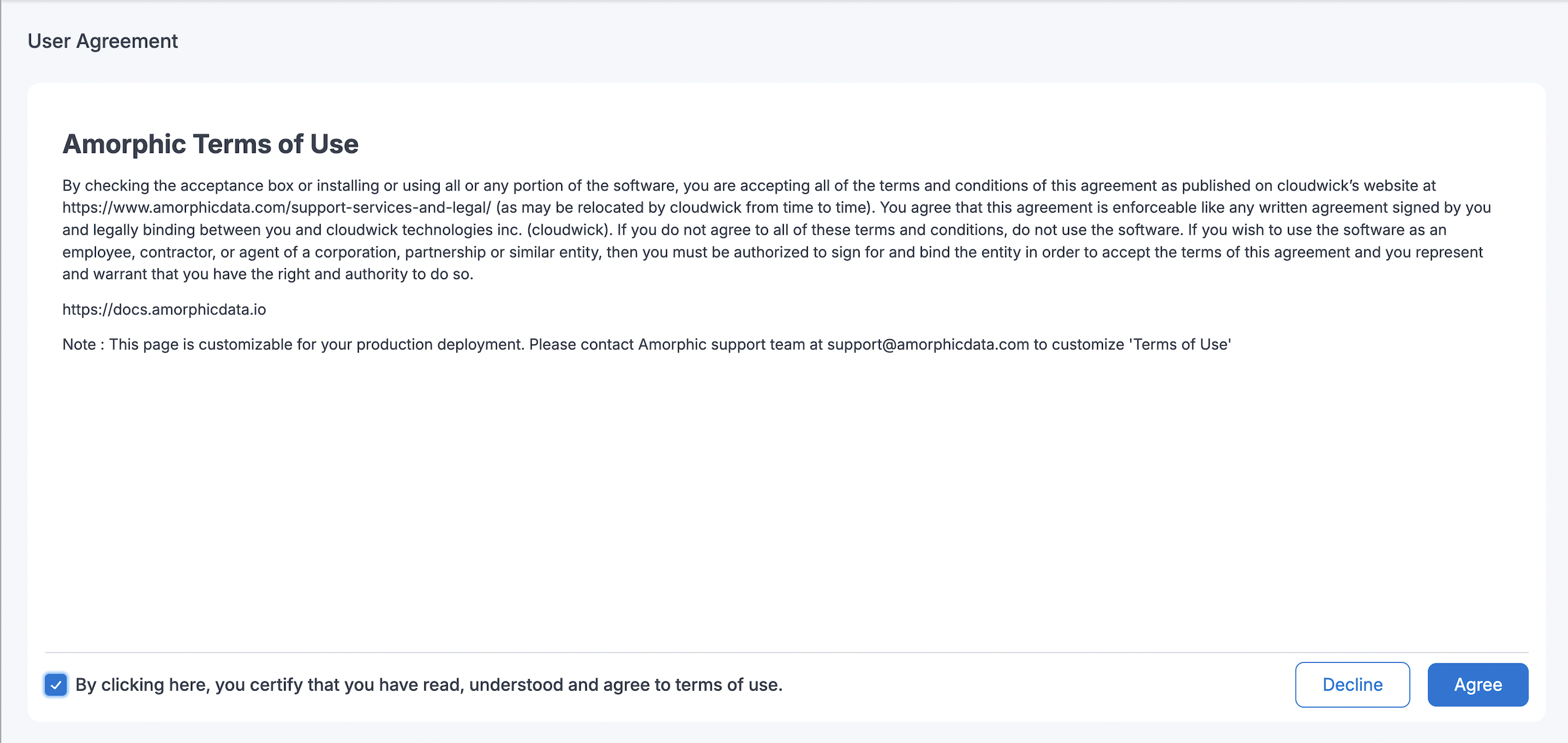
Once the user is logged into the application. User will be assigned a 'Default role' which will have very limited access to the application. User can always request any Administrator to provide with respective role in order to perform multifarious actions and use the Amorphic services as desired.
Once the user gets access to a new role, user can switch from the current role to use any other role. Please refer to the Switch Role documentation