Assets
In Analytics Studio, the primary resources of interaction—including Analyses, Dashboards, Topics, Datasources, and Datasets—are collectively managed as Assets. These assets represent the fundamental entities within your analytical workspace, granting users with the appropriate permissions full administrative control over their lifecycle.
Within the Studio interface, you can perform a range of operations on these resources, such as refining data visualizations, managing collaborative permissions, and executing structural updates to maintain an organized and efficient reporting environment.
Analyses
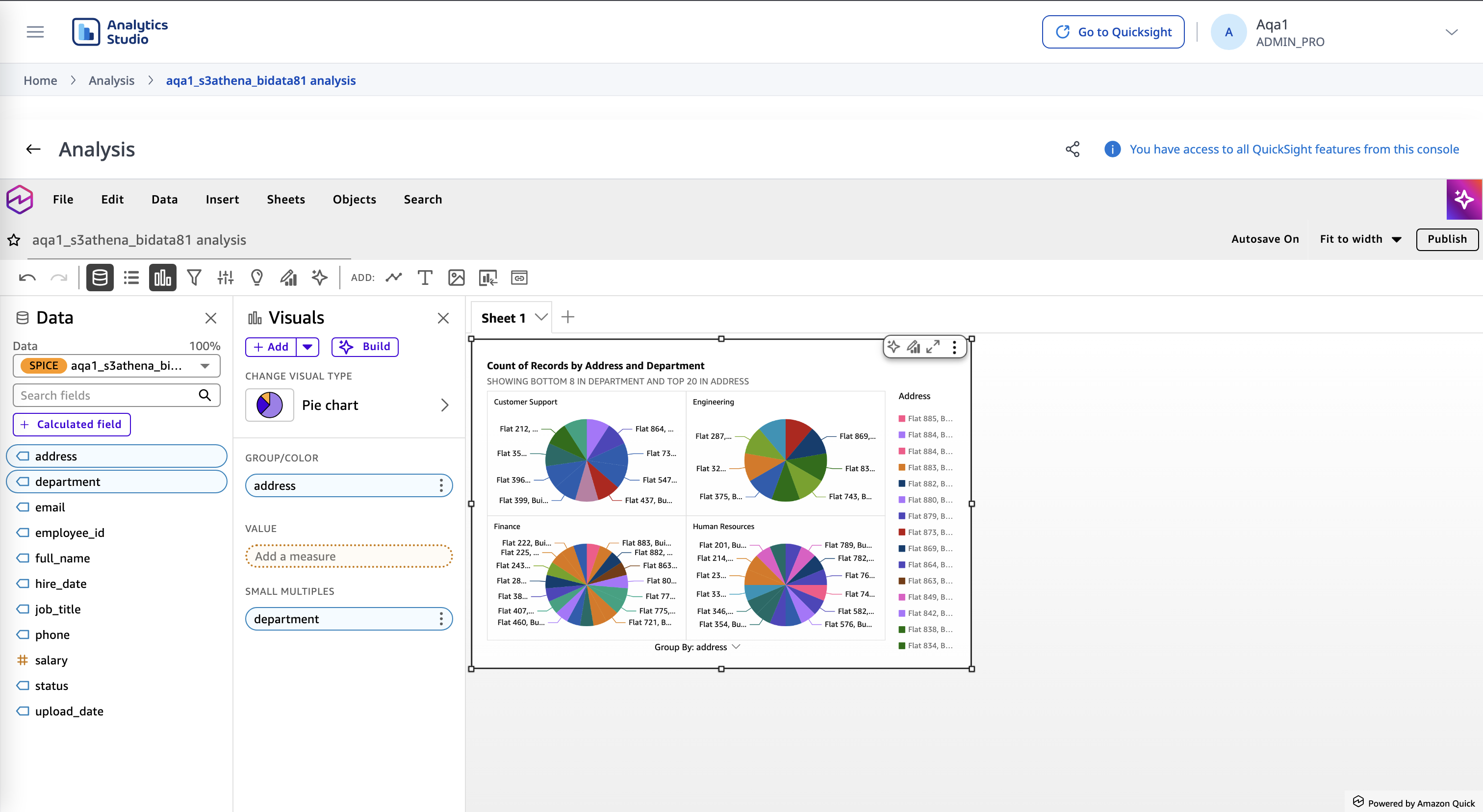
In the Analytics Studio, an Analysis serves as your primary workspace for data exploration and visualization. It is the development layer where you transform raw datasets into interactive charts and graphs, allowing for deep-dive investigation into business trends.
Because an Analysis is a private "drafting" environment, you can experiment with different visual types and calculated fields without affecting the final reports viewed by other stakeholders. Once your insights are refined, the Analysis acts as the source file used to publish static Dashboards for broader consumption.
Dashboards
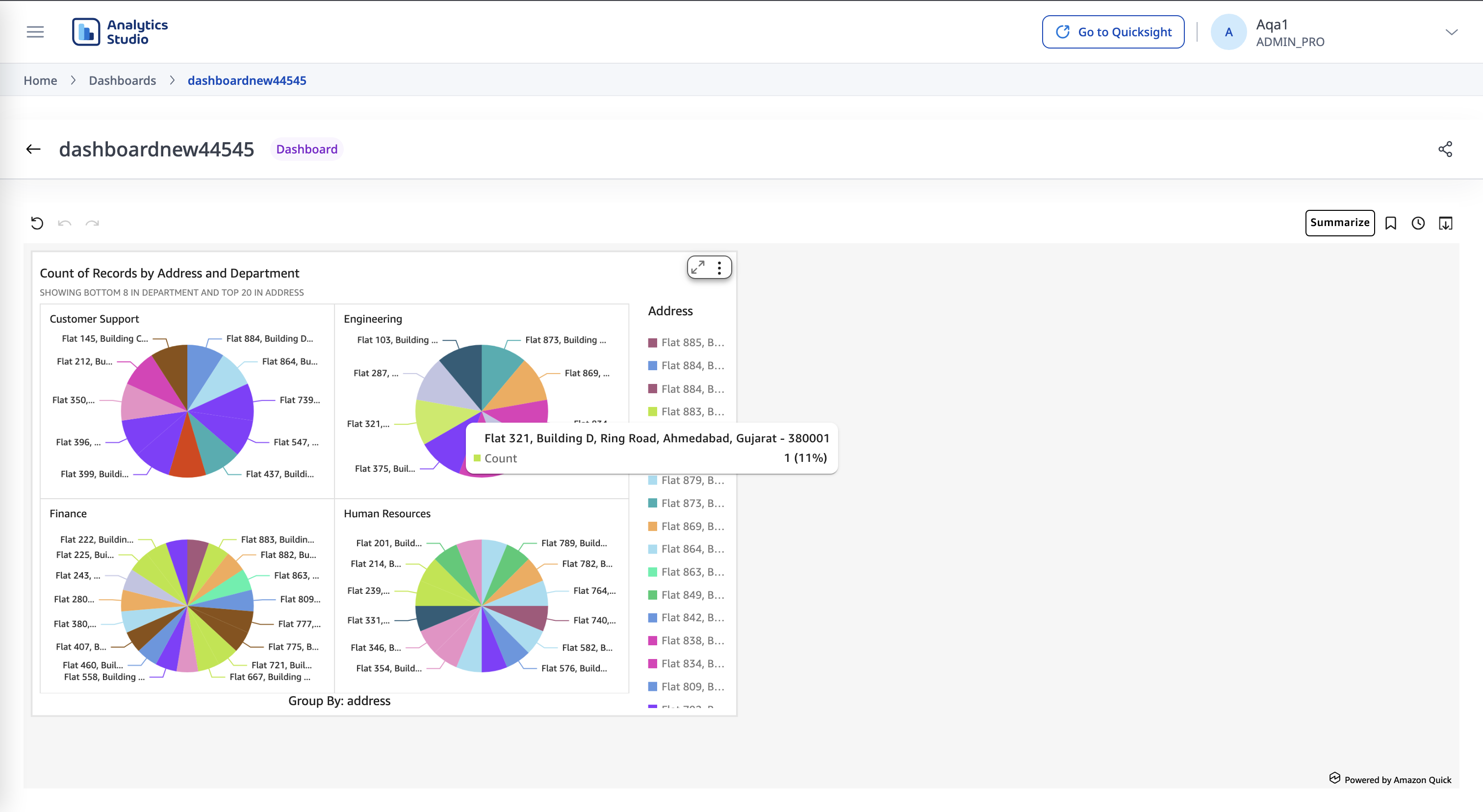
A Dashboard is the read-only, published version of an Analysis. In the Studio ecosystem, Dashboards serve as the primary vehicle for sharing insights with stakeholders and decision-makers. Because a Dashboard is inherently derived from a parent Analysis, it preserves the visualizations and logic you developed while stripping away the editing interface—ensuring end-users interact with a clean, high-performance interface designed for monitoring KPIs and viewing reports, while the underlying data structure remains protected from accidental modification.
Topics
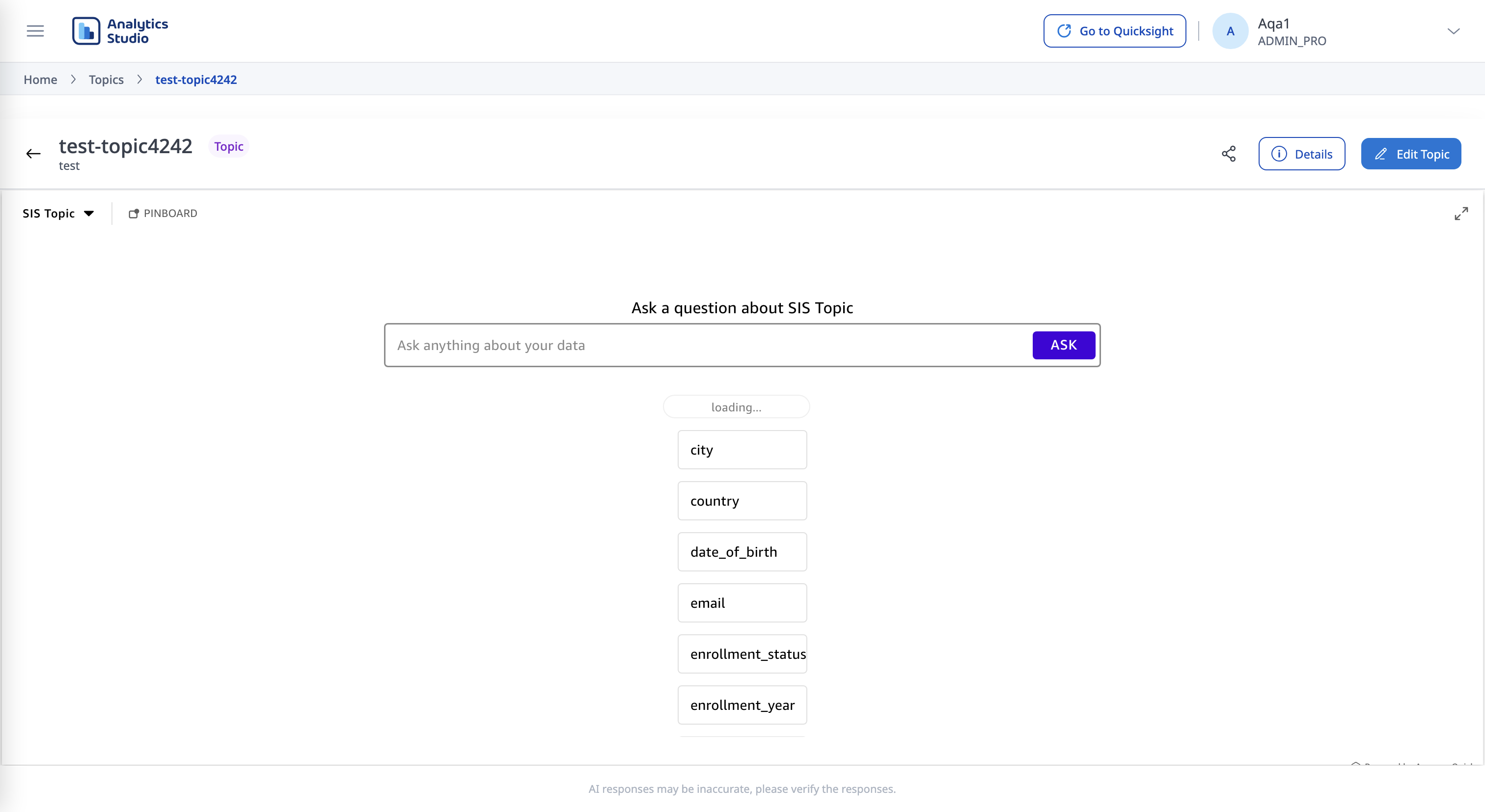
Topics represent the natural language layer of the Studio, designed to power conversational data discovery. Unlike traditional visual assets, a Topic is a curated collection of data and metadata that "teaches" Amazon Q how to interpret specific business terms and relationships. By configuring a Topic, you enable users to bypass manual report building and instead gain insights by simply asking questions in plain English. This asset acts as the intelligence bridge, translating user intent into precise data queries that return immediate, relevant answers.
Datasources
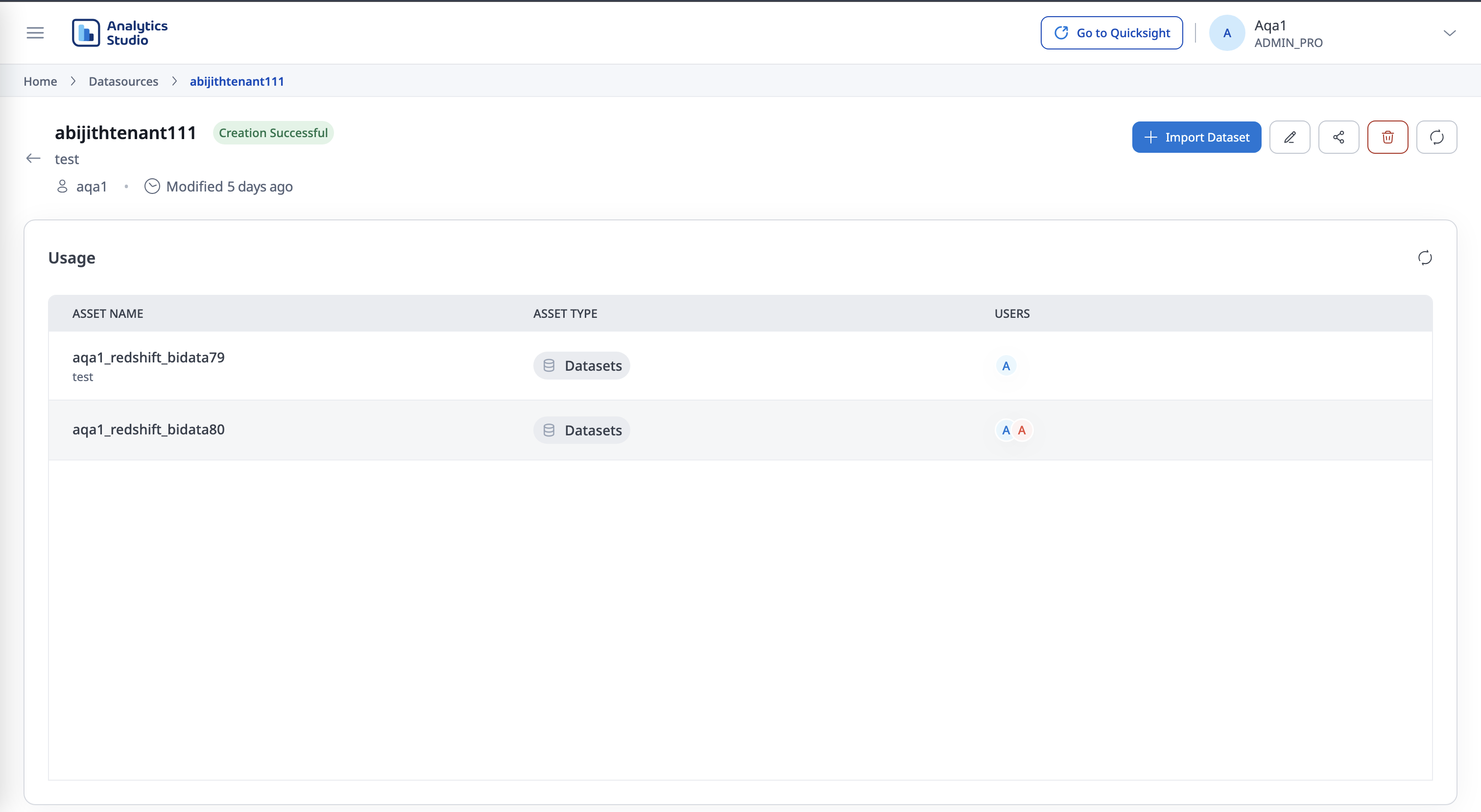
A Data Source is the entry point for your data. It defines the physical connection parameters required for the Studio to reach your information. This entity stores the "where" and "how" of the connection—such as the database type, endpoint, and credentials—without modifying the data itself.
Datasets
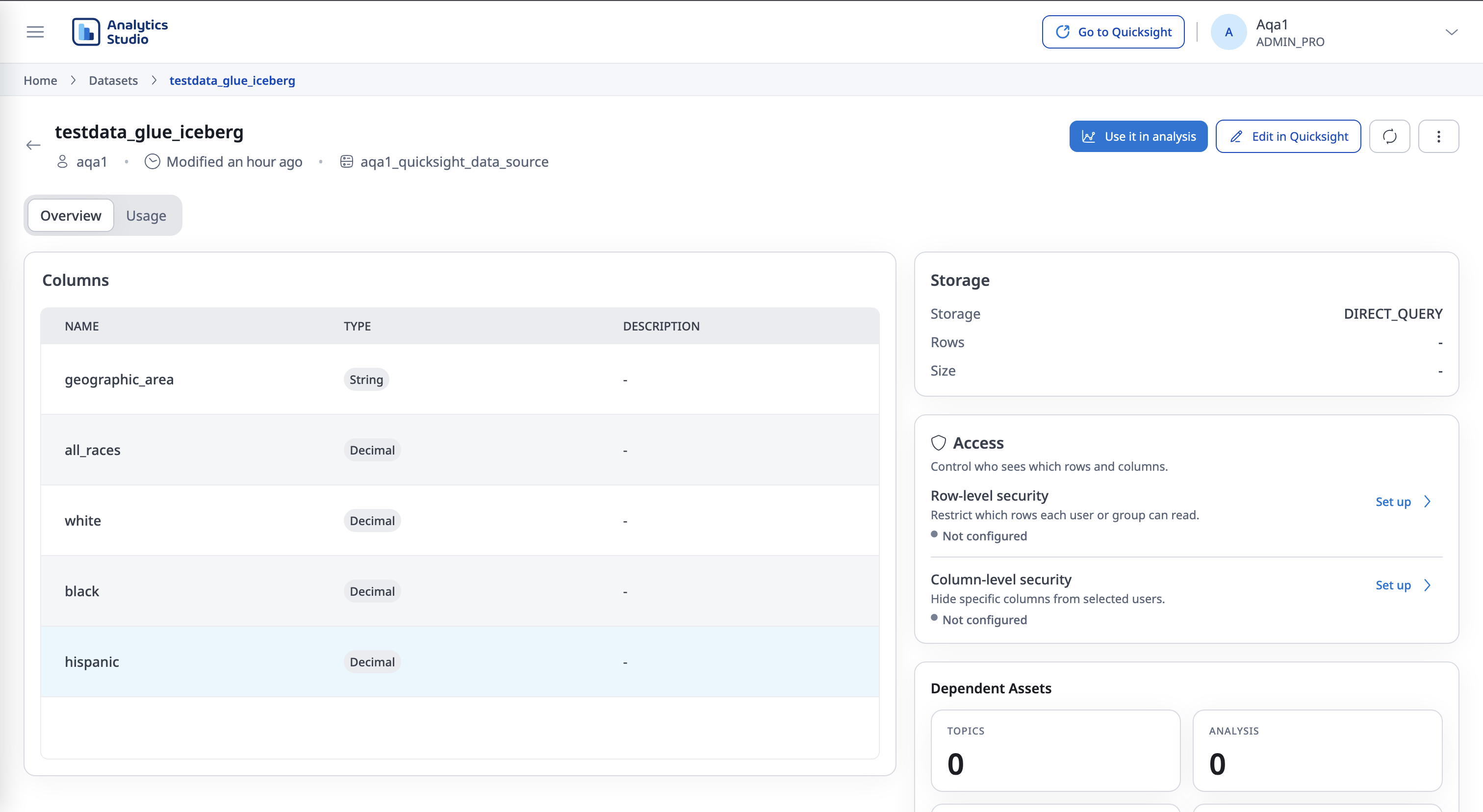
A Data Set is the logical layer that sits between your Data Source and your Assets, defining exactly what information is available for analysis. In Analytics Studio, you can create datasets using either SPICE or Direct Query, depending on whether you want optimized in-memory performance or live access to the source.
SPICE
SPICE (Super-fast, Parallel, In-memory Calculation Engine) imports and compresses your data into an optimized, in-memory storage layer.
- Performance Acceleration: Delivers near-instant response times for visual interactions. Data is stored in a highly available, parallel-processing engine, so dashboards do not need to query the underlying database on every interaction.
- Data Modeling: Shape your data before it reaches your Assets—join tables, rename fields, and create calculated fields that can be pre-computed in SPICE.
- Refresh Schedules: Because SPICE holds an in-memory snapshot, configure refresh schedules to keep Data Sets synchronized with changes in the underlying Data Source.
Direct Query
Direct Query does not import data into SPICE. Each time a user interacts with an Asset, Analytics Studio queries the underlying Data Source live.
- Live data: Results reflect the latest state of the source without waiting for a SPICE refresh.
- Source load: Performance depends on the Data Source; every interaction may issue queries against it.
- When to use: Prefer Direct Query when you need near real-time data, or when the dataset is too large or frequently changing to store in SPICE.