
Overview
Data Labs in Amorphic provides powerful environments for data science and machine learning workflows. It offers flexible options to meet different development needs.
Available Environments
SageMaker Notebooks
SageMaker Notebooks provides you with individual Jupyter notebook instances for your data science work. These offer a standalone development environment with built-in support for Python and R kernels. Additionally, they provide integration with AWS Glue for data processing and ability to use custom libraries and dependencies.
SageMaker Studios
SageMaker Studios provides you with a comprehensive IDE for machine learning development. Studios offer a unified interface for the complete ML workflow and collaborative workspaces for teams. Additionally, they come with advanced integrated tools for ML development, large-scale model training and built-in MLOps capabilities.
Key Features of Data Labs in Amorphic
- Flexible Compute: Choose from various instance types and compute configurations to match your workload requirements
- Native Data Integration: Direct access to datasets, domains and other shared resources in Amorphic
- Security: VPC isolation and controlled internet/root access for secure development
- Cost Management: Notebook schedules to start and/or stop notebooks on a time basis, plus tag allocation for cost tracking
- Collaboration: Shared workspaces among other users in Amorphic for collaborative work
- Quick Create: Set up pre-configured environments with just a few clicks
Using AI Models and Guardrails
DataLabs (SageMaker Notebooks and Studios) can call Amazon Bedrock models when the Datalabs component is enabled in Manage AI Services.
Purpose
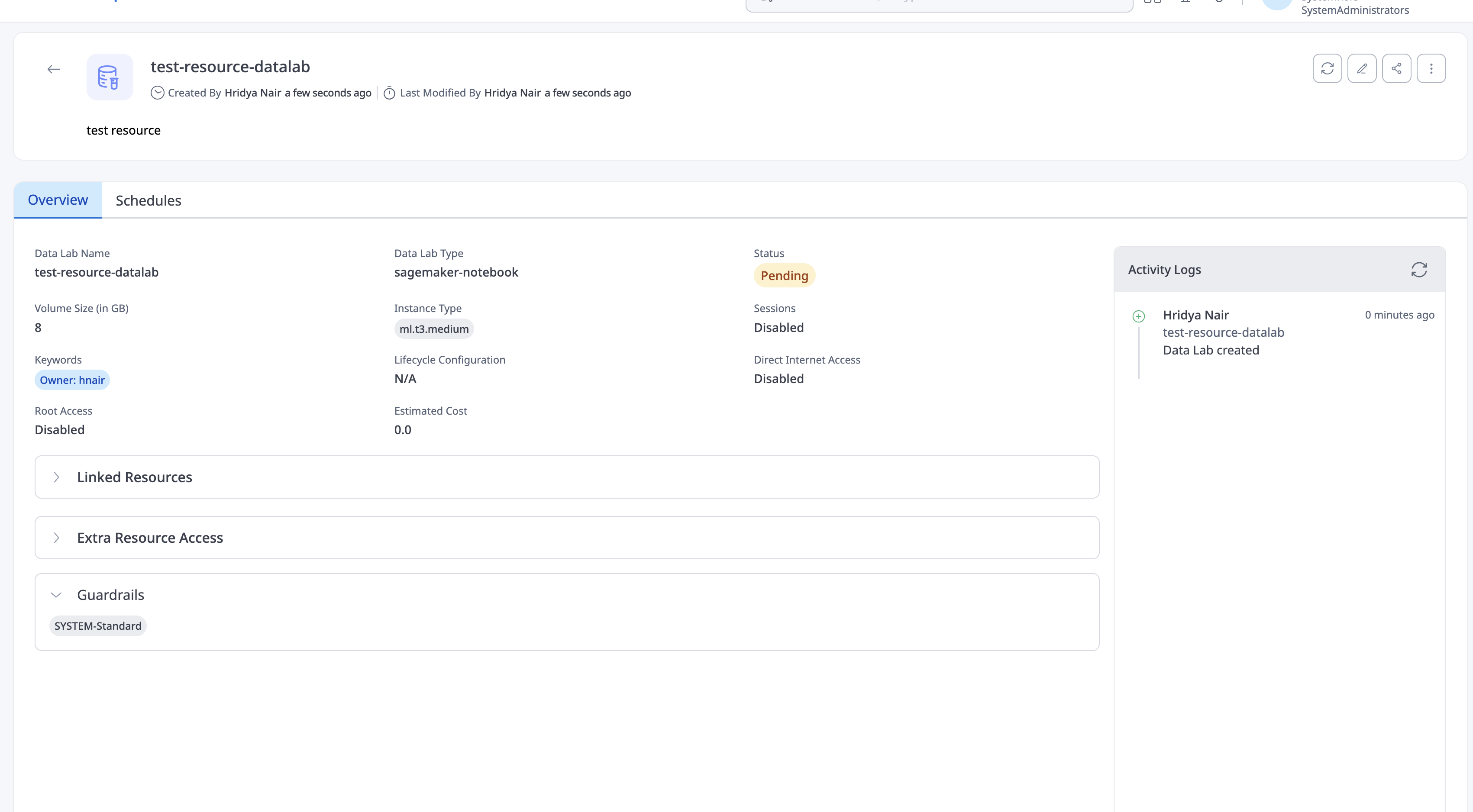
Guardrails on the DataLabs component apply the same content-safety and compliance controls to programmatic Bedrock calls from notebooks and studios that chats, agents, and knowledge bases get in the product UI. They filter prompts and model outputs so analytic code cannot bypass organization policies on harmful content, denied topics, blocked words, or sensitive information (such as PII).
In short: guardrails govern AI usage inside DataLab environments, not only conversational AI features.
Requirements
Including a guardrail on every model invocation from a notebook or studio is mandatory:
- If guardrails are configured for DataLabs in Manage AI Services: only those assigned guardrails may be used, and the guardrail must be included in the API call. Omitting it returns Access Denied.
- If no guardrails are configured for DataLabs: use the organization default guardrail on every model invocation. Omitting a guardrail still returns Access Denied.
All guardrails enabled for the DataLabs component in Manage AI Services are visible in the DataLabs UI (notebooks and studios), so you can see which guardrails are available for use in those environments.
Retrieve the organization default with:
GET /ai/guard-rails/default
For full guardrail configuration and component behavior, see Guardrails — Jobs and DataLabs.
Getting Started

Refer to the individual sections for detailed setup and usage instructions.