
Dashboard
Introduction
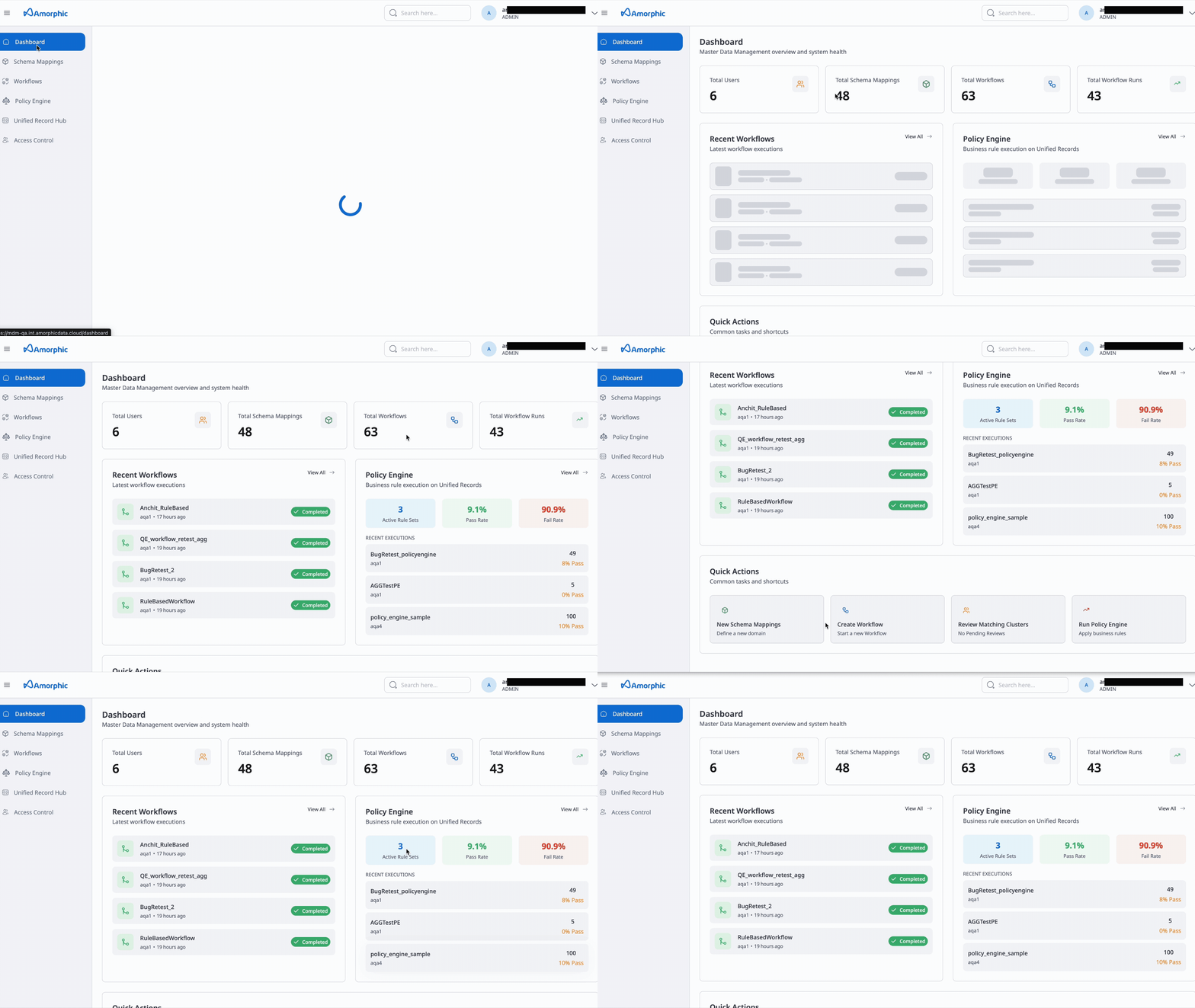
The Dashboard is the landing page for the MDM application. It gives you an at-a-glance view of your Master Data Management activity and provides quick access to common tasks.
The page is used primarily for metric display—showing key numbers and trends related to schema mappings, workflows, and Policy Engine so you can monitor usage and performance without navigating elsewhere.
From the Dashboard you can also use quick action buttons to jump straight into important operations:
- Create Workflow — Start a new MDM or Policy Engine workflow
- Create schema mapping — Define a new schema mapping for data ingestion and matching
- Review Cluster — Open cluster review to inspect and refine grouped records
- Run Policy Engine — Execute a Policy Engine workflow
These actions help Data Engineers, Data Stewards, and Admins move quickly from the overview into the specific task they need to perform.
Global Summary
Note: This section is visible to Administrators only.
The Global Summary provides a high-level overview of the entire system's activity and performance. It aggregates key metrics across users, schema mappings, and workflow executions to give administrators a quick snapshot of the platform's health and usage.
The following metrics are tracked:
- Total Users: The total number of registered users on the platform.
- Total schema mappings: The total count of unique schema mappings managed within the system.
- ER Workflows: The number of MDM (ER) workflows configured.
- ER Workflow Runs: The total number of times ER workflows have been executed.
- Policy Engine Workflows: The number of Policy Engine workflows configured.
- Policy Engine Workflow Runs: The total number of times Policy Engine workflows have been executed.
- ER Execution Time (Hours): The cumulative time spent running MDM workflows, rounded to two decimal places.
- Policy Engine Execution Time (Hours): The cumulative time spent running Policy Engine workflows, rounded to two decimal places.